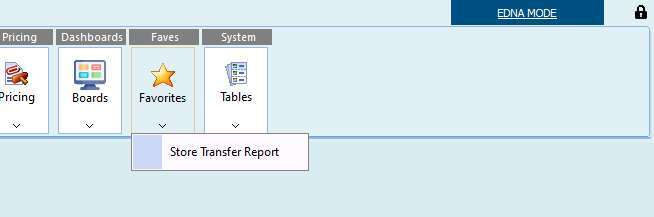
You can now tag items as favourites, making it easier to quickly find commonly used menu options.
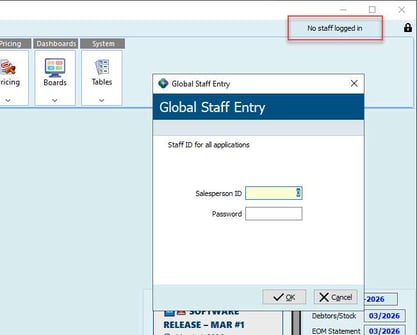
This favourites feature becomes available once the staff member has logged into the main menu. Find out how it works…
How to save Favourites!
First make sure you are logged into the system.
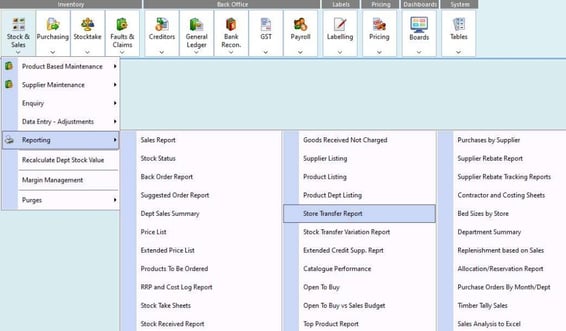
Next, to toggle a menu item as a favourite, hold down control while selecting the menu item itself (ctrl-clicking an existing favourite item will remove it from the favourite list)
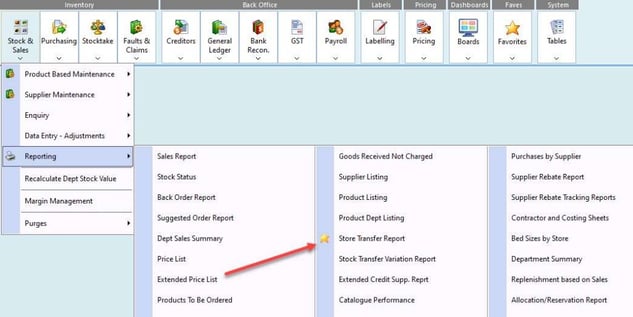
Once that is done, the menu item will be highlighted with a star ⭐
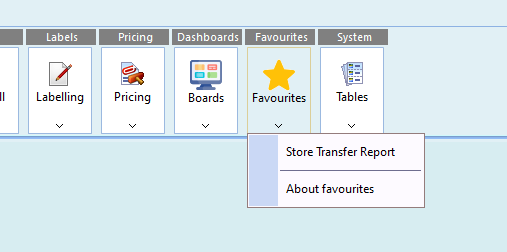
Any menu item that has been tagged as a Favourite will also be available in the new “Favourites” menu button at the top